faviconの作成と設定
公開日
faviconの作成と設定
目次
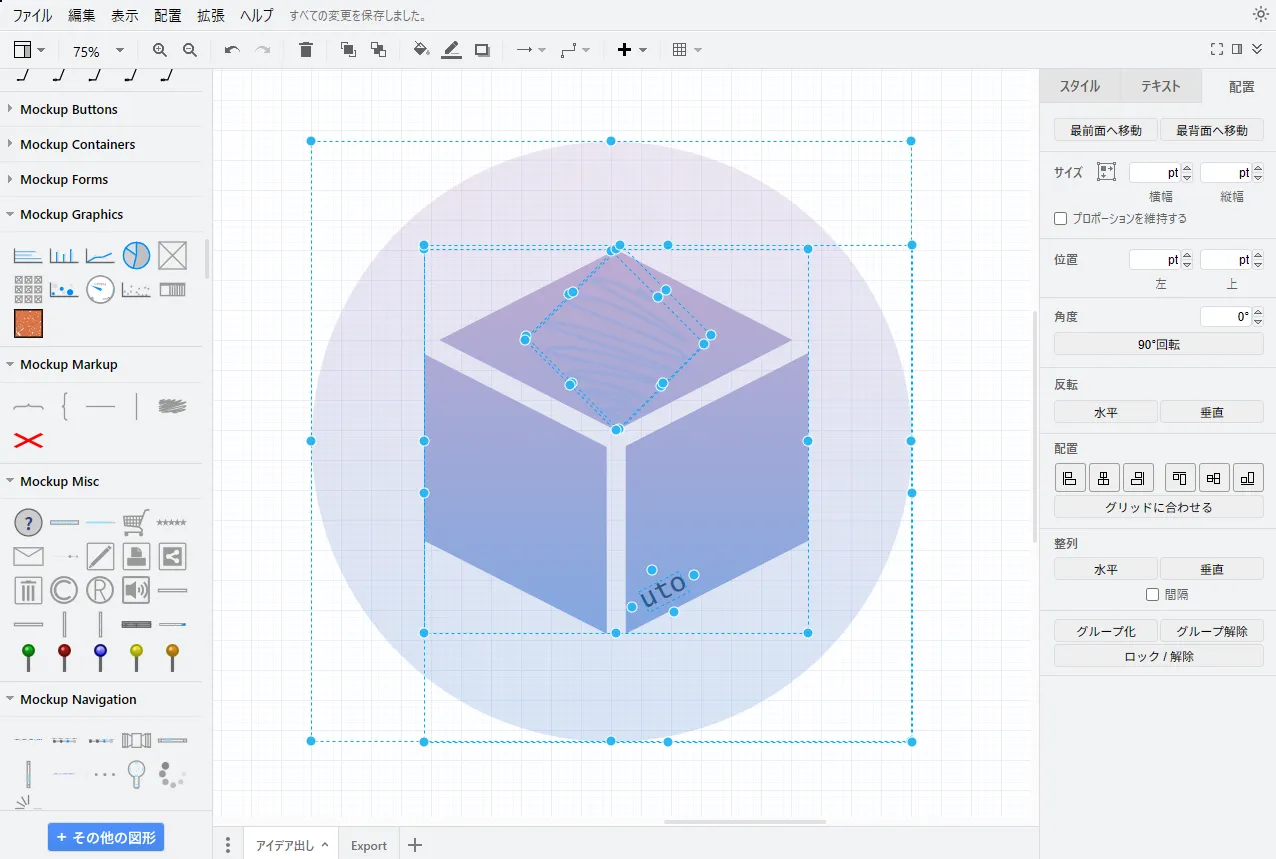
draw.io で作成
適当に作る
利用について
https://www.drawio.com/doc/faq/usage-terms
気になったので調べたが,著作権などは問題無さそう
Usage terms for diagrams created in draw.io
There are no restrictions on the usage of any diagrams you generate with draw.io, including our online editor at app.diagrams.net. The diagrams you create belong to you and we grant you a license to use any of our copyrighted icons in your diagrams and for making raster and vector versions of your diagrams and parts, using draw.io, for any purpose.
Can they be used for any purpose under commercial usage conditions, for example?
- Yes
Does that extend to using the built-in icons that are copyrighted to JGraph?
- Yes
GIMPで円形に切り抜き
ファイル>開く/インポートツール>選択ツール>楕円選択- 左のタブで切り抜く円のサイズを手入力して設定
- ←↑→↓で切り抜く位置を合わせる
選択>選択範囲の反転- Del
ファイル>名前を付けてエクスポート
完成
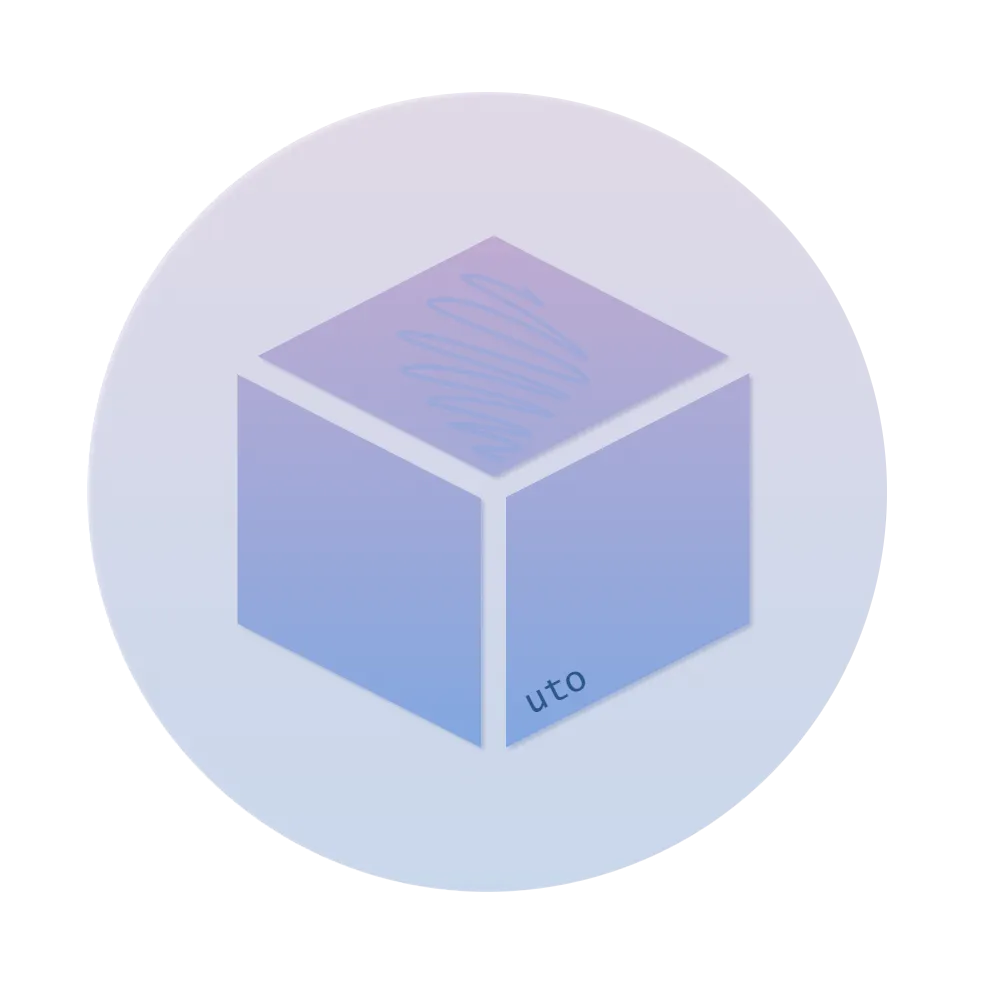 まあいいんじゃないでしょうか